Seedance 2.5 Flash Introduces a Draft-First Video Workflow
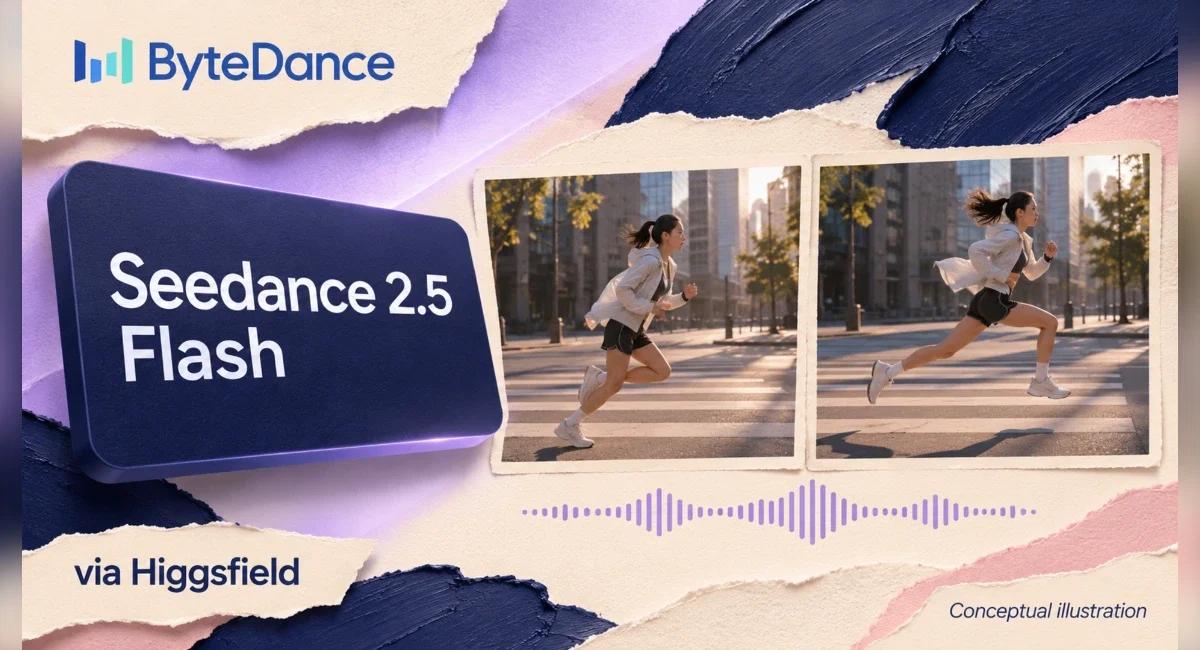
The camera move that looks persuasive in a storyboard still needs a motion test, especially when a product must remain readable throughout the shot. Seedance 2.5 Flash places that test earlier in an AI video production schedule. For a creative team, the useful decision is which idea deserves further production work after its first moving version reaches the screen.
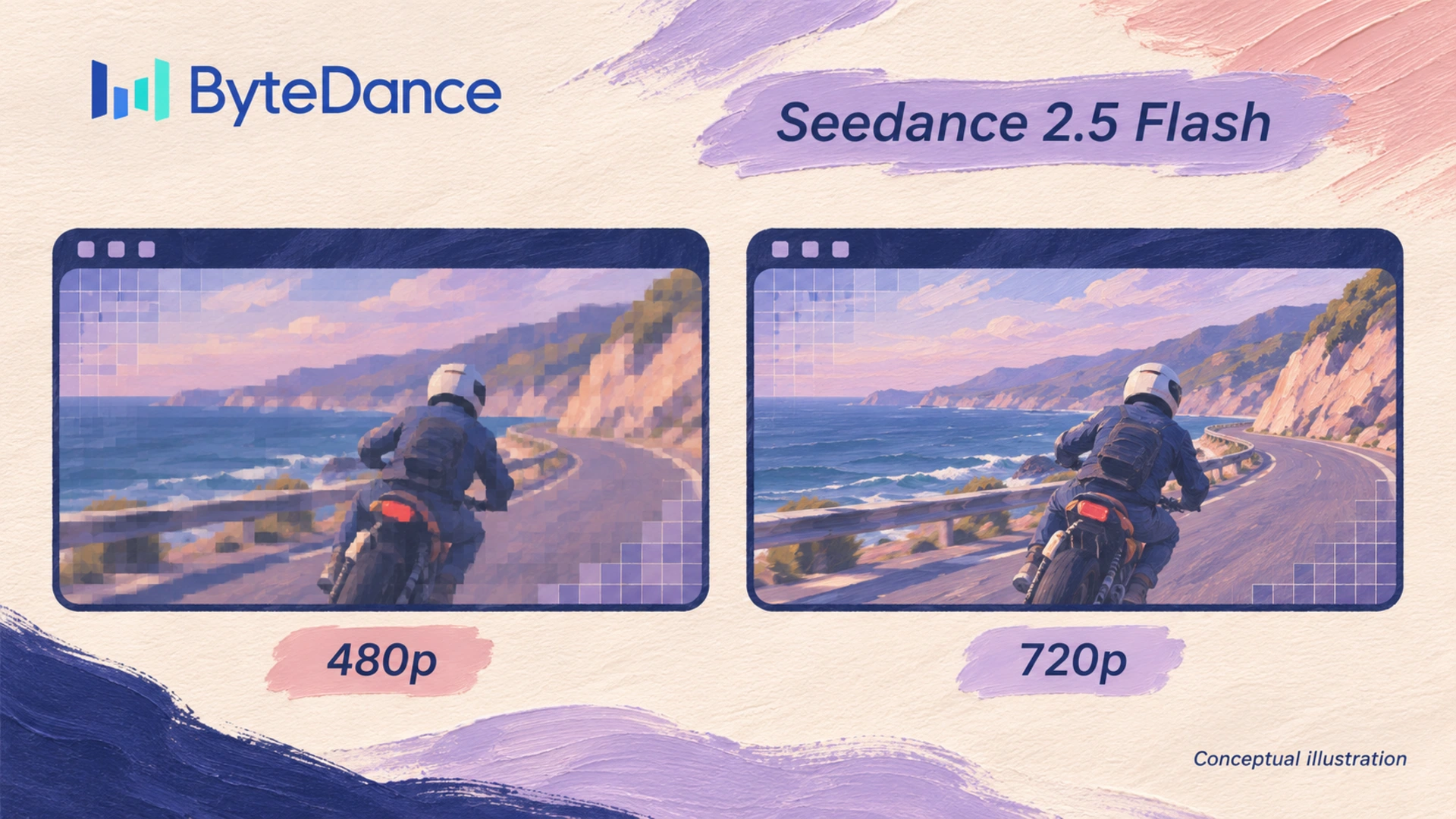
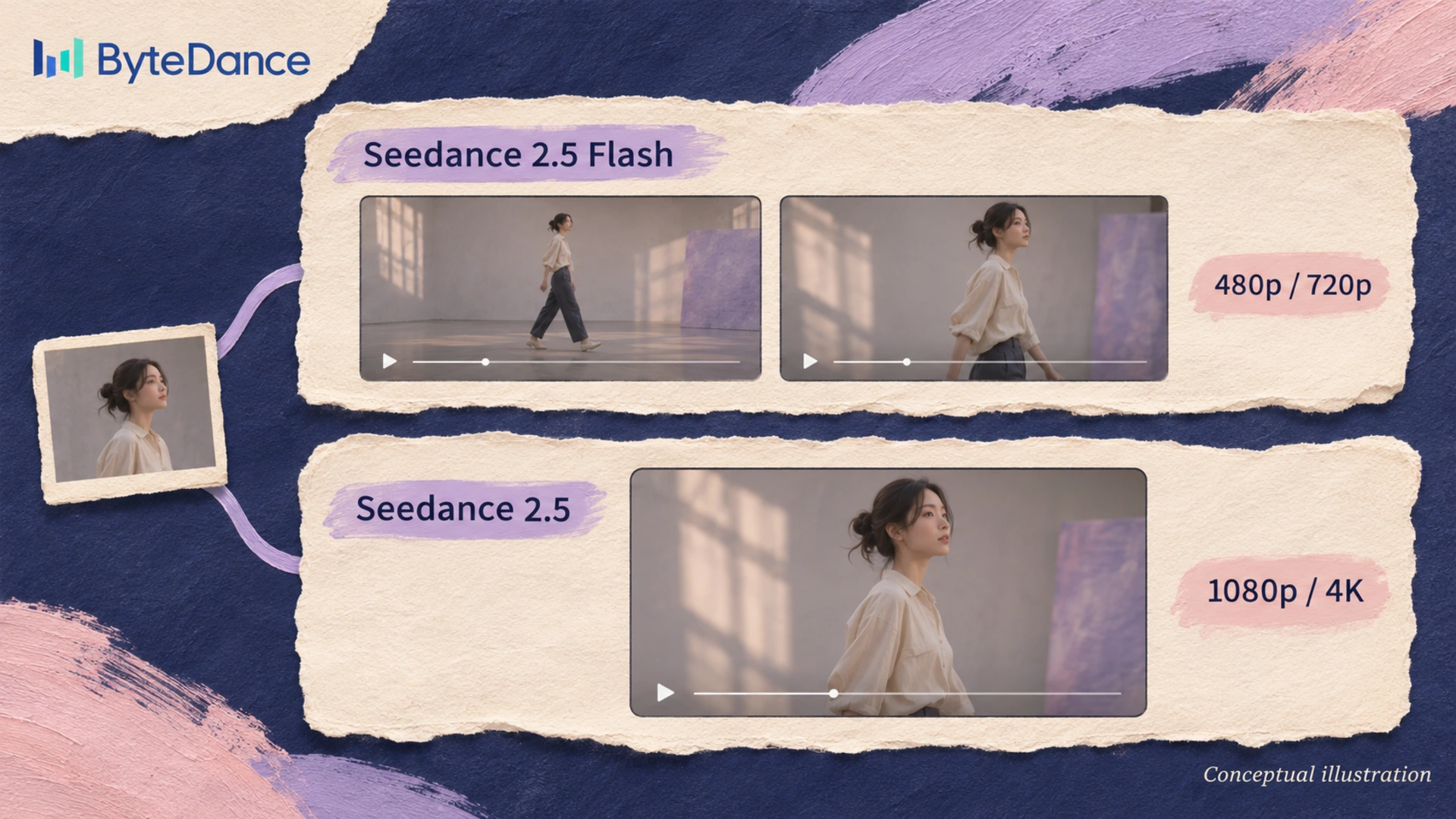
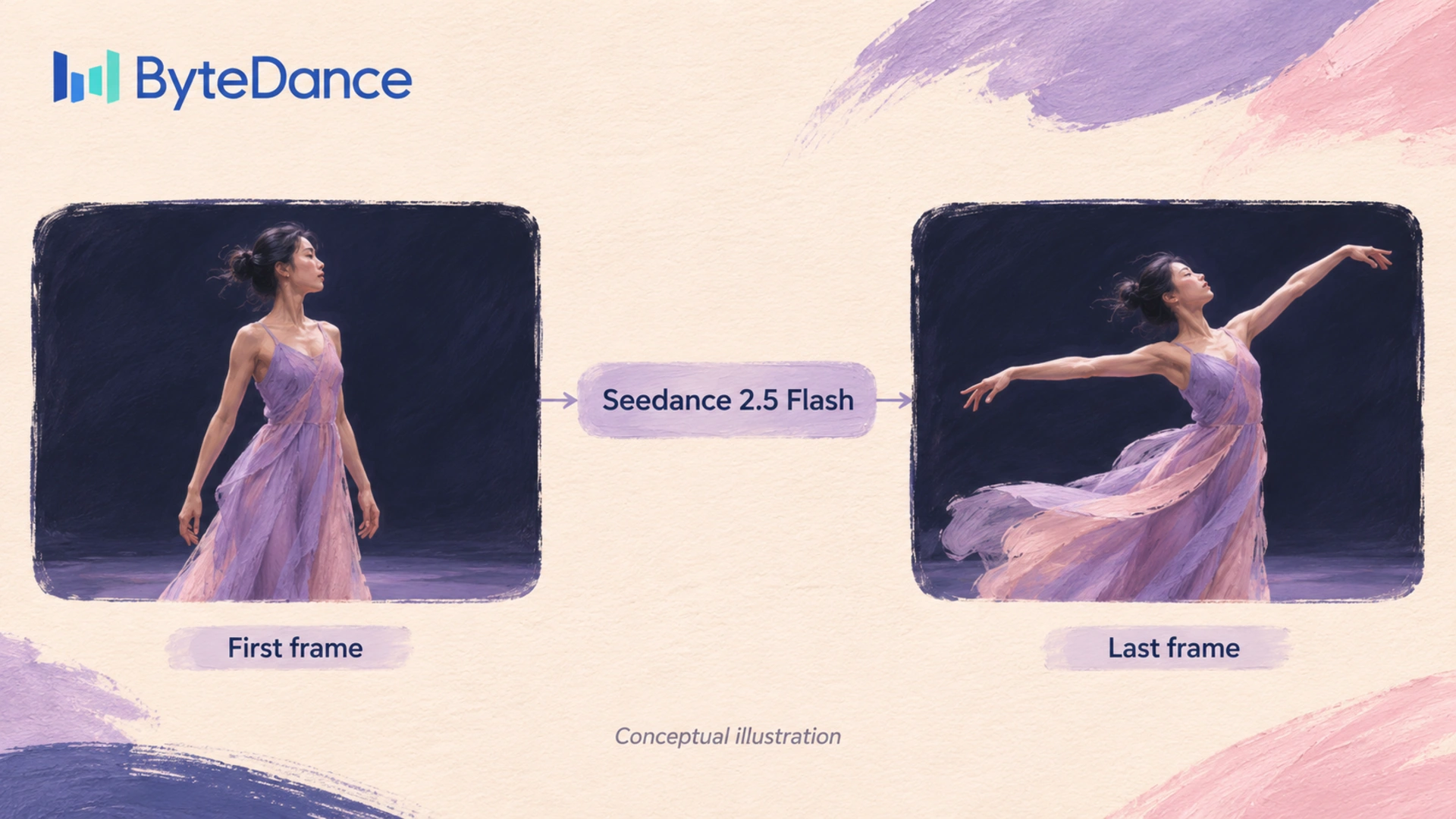
In its November 12 announcement, Higgsfield describes ByteDance's Flash model as a preview option, with 480p or 720p output and synchronized audio attributed to ByteDance. For a final version at 1080p or 4K, producers reuse the prompt and references in the full Seedance 2.5 model. Available reference methods include Omni reference and first-and-last-frame input. US access remains excluded in Higgsfield's current announcement.
What a Preview Needs to Answer
Creative approval becomes more productive when the director asks a specific question that a rough moving image can answer within the proposed shot. Does the product remain visible during the camera movement? Will the intended action fit the edit's allotted duration? Technical inspection follows a different schedule, once the team has selected a promising direction.
For a product film, an early preview might expose a hand crossing the label during the decisive moment. Another take could expose an awkward pause between the product's entrance and the next cut. When a reviewer identifies the obstructed label, the next prompt needs a different hand position during the product shot. The review note belongs to a particular frame or interval, so the next attempt has a specific problem to resolve.
Approval becomes ambiguous when a client receives a rough clip with the same presentation used for a finished film. Label the review's purpose in the accompanying message: motion approval, for example, with surface detail reserved for the final-resolution check. Ask the client to decide between the actual creative options on screen. Broad requests for feedback tend to mix a camera decision with comments on unfinished visual detail.
Flash and Draft Mode Are Separate Choices
Since September 22, Higgsfield has offered Seedance 2.5 Draft Mode as a separate preview-to-render route that retains settings for the selected draft's final render. After the November 11 update, that route supports 4K output. Flash's November 12 announcement describes prompt and reference reuse in the full model; identical finished frames remain an unverified expectation. Production estimates need a fresh final-render review.
When a client approves a particular gesture or product angle in a preview, the producer needs to identify the visual detail expected in the final clip. Record the approved visual decision in words alongside the selected clip. If the subsequent output changes that decision, the editor has a direct basis for revision. Aesthetic similarity alone leaves too much uncertainty when the product's appearance carries a commercial claim.
Test the Shot Inside the Edit
Editors gain more useful evidence when they place a candidate preview between the actual neighboring shots, at the intended duration and crop. Seen alone, a camera movement may feel fluent; within the sequence, its direction may interrupt the preceding shot. The edit establishes whether the new material carries the viewer toward the next image or demands an extra pause.
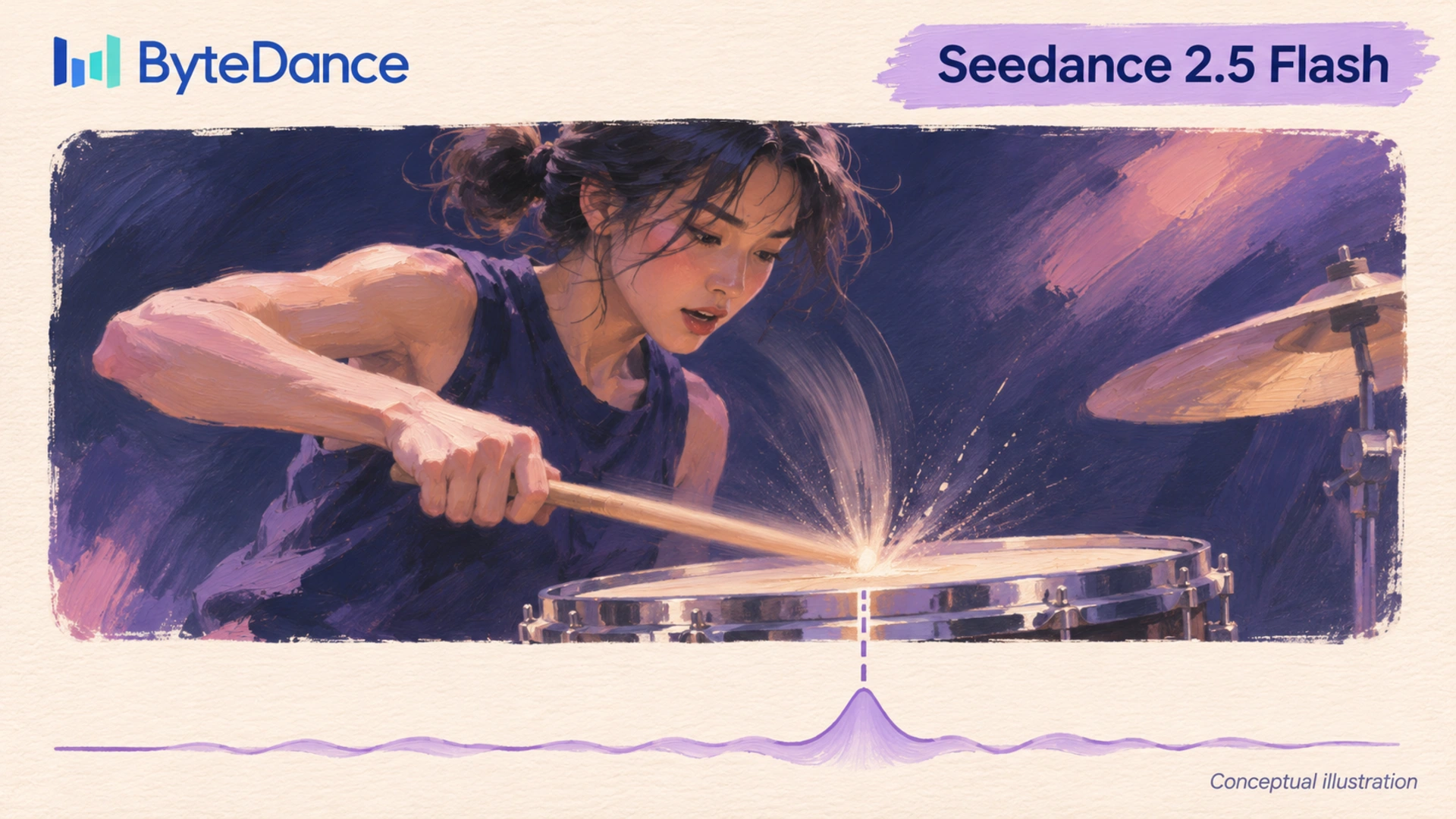
Audio deserves the same contextual review when the intended action relies on a synchronized sound or a spoken phrase. Listen to the candidate against the adjacent material at a comparable playback level. Does a sound begin early enough to motivate the cut? Speech timing may require a different shot duration, which affects the surrounding sequence.
For a website film, test the proposed crop within a simple page mockup that uses the intended text placement. The useful question concerns the image's relationship with the page: a product near the edge may compete with a headline or disappear in a mobile crop. Within an editorial mockup, reviewers assess the clip beside the intended page content. It remains a planning aid, with the final export subject to the website's own production requirements.
Compare Revisions Around One Creative Decision
If successive candidates change both the scene and its camera direction, the producer asks the client to compare unrelated ideas during the review session. Keep the agreed product reference consistent during a camera test. Then change the movement requested in the prompt and inspect the resulting clips against the same creative question.
Prompts deserve version records when the chosen take will inform later production, since a remembered description often misses the phrase that governed a useful action. Save the exact text beside its corresponding output. For reference material, retain the selected file and its approved use within the project. Production notes belong with the clip so an editor receiving the work can identify which result the client discussed.
Producers face a different scheduling problem when an excessive preview batch takes longer to sort than the original shot takes to revise. Set an initial selection limit that fits the production schedule, then assess whether the next iteration has a specific reason. Repeated attempts with the same visible fault call for a revised creative instruction. For the next test, specify a different hand position or shorten the requested action.
Judge Cost Through Accepted Footage
The commercial case for preview-led production rests on the complete path to an accepted clip, with the editor's review time and the final render accounted for. If a lower-resolution test identifies an unsuitable direction, the team can reject that shot prior to its final render. Actual savings require project records. The announcement supplies a workflow proposition; measured production economics require evidence from the team's own completed work.
Compare projects using consistent delivery requirements, since a short product insert and a dialogue scene demand different review work. Record expenditure for the selected shot alongside the attempts that preceded it. Staff time belongs in the same assessment, particularly when several reviewers participate. Subscription conditions may affect the calculation, so preserve the applicable pricing record with the production estimate.
Performance claims deserve similar restraint when a model announcement becomes a client-facing production promise with a fixed deadline attached. Measure turnaround within the team's actual workflow, with review and revision included. Vendor descriptions establish the advertised capability. For a delivery estimate, allow time for the specific scene's unresolved work, especially when acceptance requires faithful product detail.
Final Detail Still Needs a Separate Review
The selected direction requires inspection at delivery resolution once the final clip reaches the editor, with particular attention to the product details that support the advertisement. Check label text against the approved source. Across adjacent frames, examine whether a small feature changes shape or position in a way that alters the product's appearance.
Compression adds another inspection point when a finished master becomes a smaller web asset, since the delivery file may alter delicate texture or text edges. Compare the exported clip at its intended display size against the approved master. If a label loses legibility, resolve the export choice prior to release. Keep the approved master available for future formats so subsequent edits start with the highest-quality accepted material.
OPERENDIA's Film & Motion work includes AI scene tests within a wider editing practice, with CGI and VFX available for relevant production needs. The creative decision still belongs to the film's intended message, and the finished asset needs an editor's approval within its actual sequence.
For a brand planning an AI-assisted film, prepare the product references together with the intended placement so the production discussion starts with real delivery constraints. OPERENDIA's film team can assess where a motion test would resolve an uncertain shot. The resulting brief then identifies the creative decision that the preview must support and the finished asset the client expects.
 Make your brand matter.