Genie 4 Makes Venue Walkthroughs Interactive
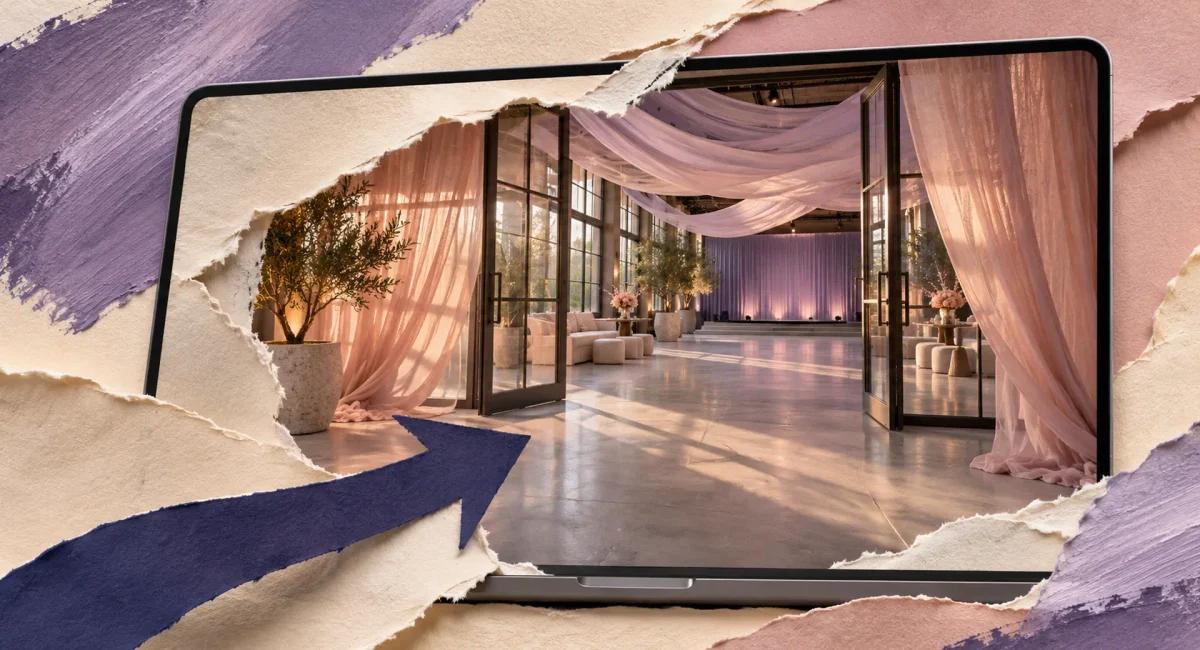
Seen from the entrance, a long registration desk can look right in a rendering, yet the view changes once a guest approaches the counter or turns toward the stage. Design decisions often surface during a walkthrough, when someone can stop in the middle and point to the place where the view disappears. Genie 4, Google DeepMind’s world model, now lets a creative team try that kind of movement inside a generated event concept. The quickest, most useful question is often where to place the photographer or what a sponsor’s guest will see upon arrival.
What Google Opened to Developers
Google opened Genie 4 to developers on November 19 via the Gemini API and Google AI Studio. Eligible Google AI Ultra subscribers received the Project Genie rollout on November 18. In AI Studio, a team can begin with a written prompt or a reference image. The model then generates a space the team can move through. Developers can build their own session through the paid Interactions API, which accepts keyboard movement and text instructions during the stream.
For a producer reviewing a venue concept, Genie 4 generates the next view as the viewer moves, so a second viewpoint can come from a turn instead of a new video edit. Google describes a 720p stream at 24 frames per second with synchronized sound and says it applies SynthID watermarking to every output. When the group reaches the stage during a concept review, the director could turn to face the entry or ask for a lower light level. The same reference image can support a new session if the team wants to start from the original composition.
What a Photograph Can Tell the Model
Venue teams often have a useful picture long in advance of a site visit, especially when an operator has shared a view from the stage or a photograph taken during a similar event. Genie 4 can use that image to establish the opening view. Ask for a natural eye-level movement toward the entry, and keep the first review focused on how the passage feels. The geometry inferred past the camera belongs to the generated scene; the photograph records only what appears in its frame.
Google’s model card discusses limitations in physical accuracy and consistency, so teams need a source for any decision related to a real building. Measure the doorway with the venue operator and record the opening width on the drawing. For seating layouts, use the venue’s current plan and verify the relevant occupancy and egress requirements with the responsible professionals. Keep the approved drawing beside the review video so the site team can identify which details came from the building.
A Better Brief for the Creative Review
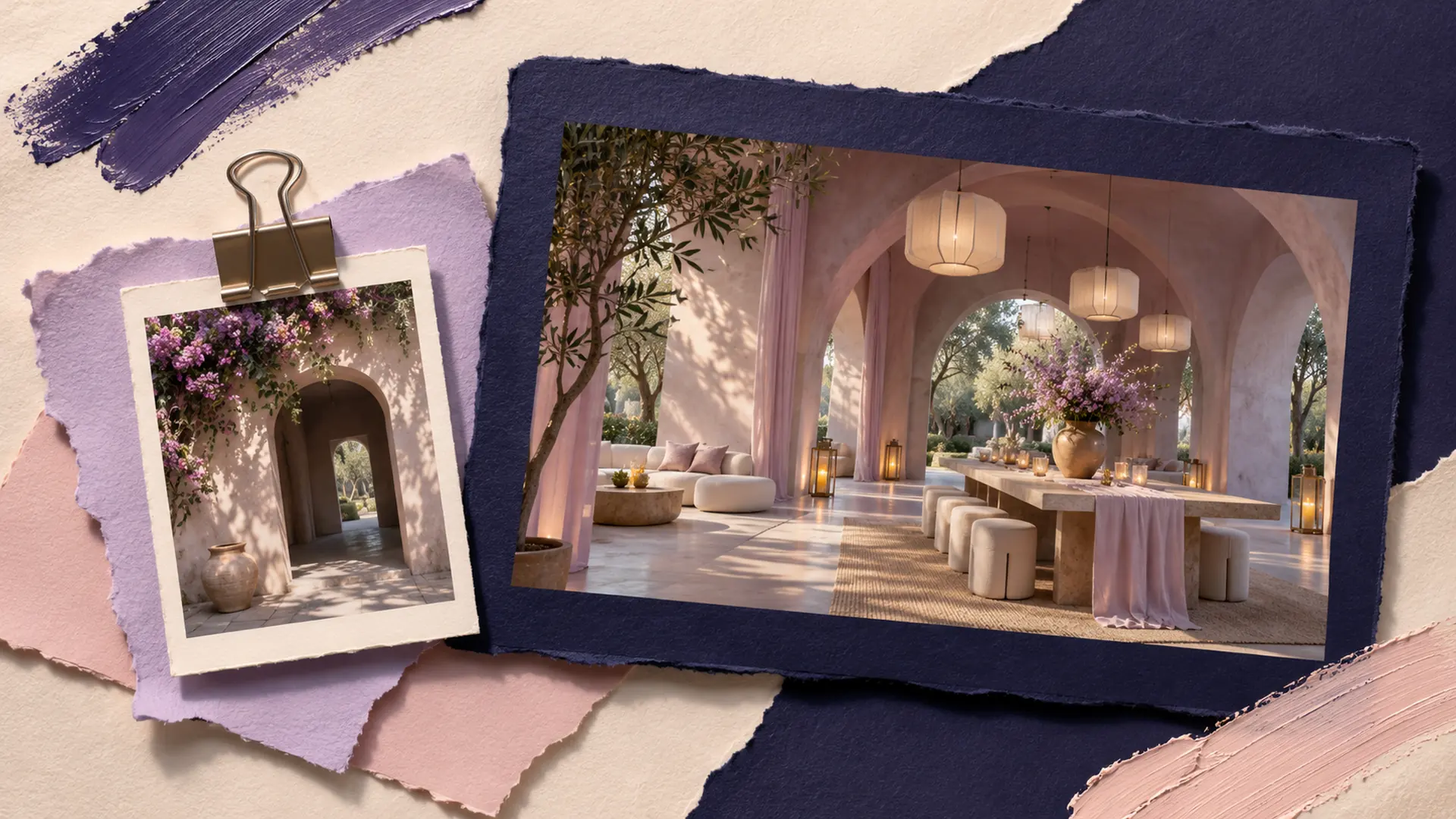
If a sponsor wants its first sign to be visible soon after guests enter, the team can build a concept around the reference photograph and compare two placements during the creative review. Start one pass with the sign near the entrance; use the same starting view to test it farther inside the space. Once the sign is visible alongside the registration desk, the producer can send an annotated still to the fabricator for discussion. Confirm the mounting position and its dimensions on the operator’s drawing when the design advances.
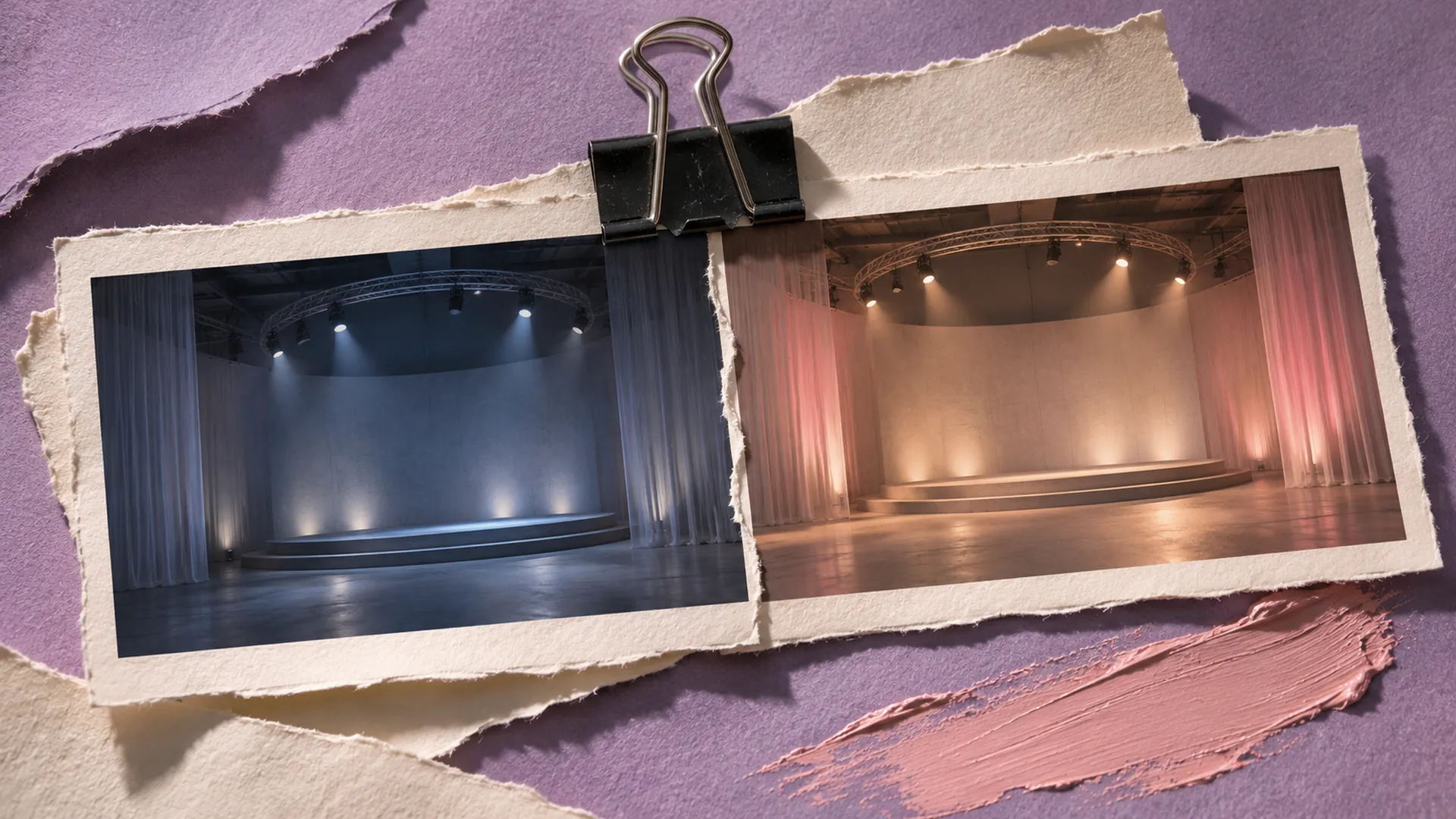
The same method is useful for lighting decisions when a client asks for a warmer arrival, and the venue has supplied only daylight photography. Compare the warmer treatment against the existing reference and show the lighting supplier which walls need to read at the entrance. Write the requested look into the production brief and ask the supplier for a fixture and rigging proposal grounded in the building. Actual sound coverage takes an on-site or engineering assessment, regardless of how convincing the generated audio sounds.
Keep a Record the Venue Team Can Use
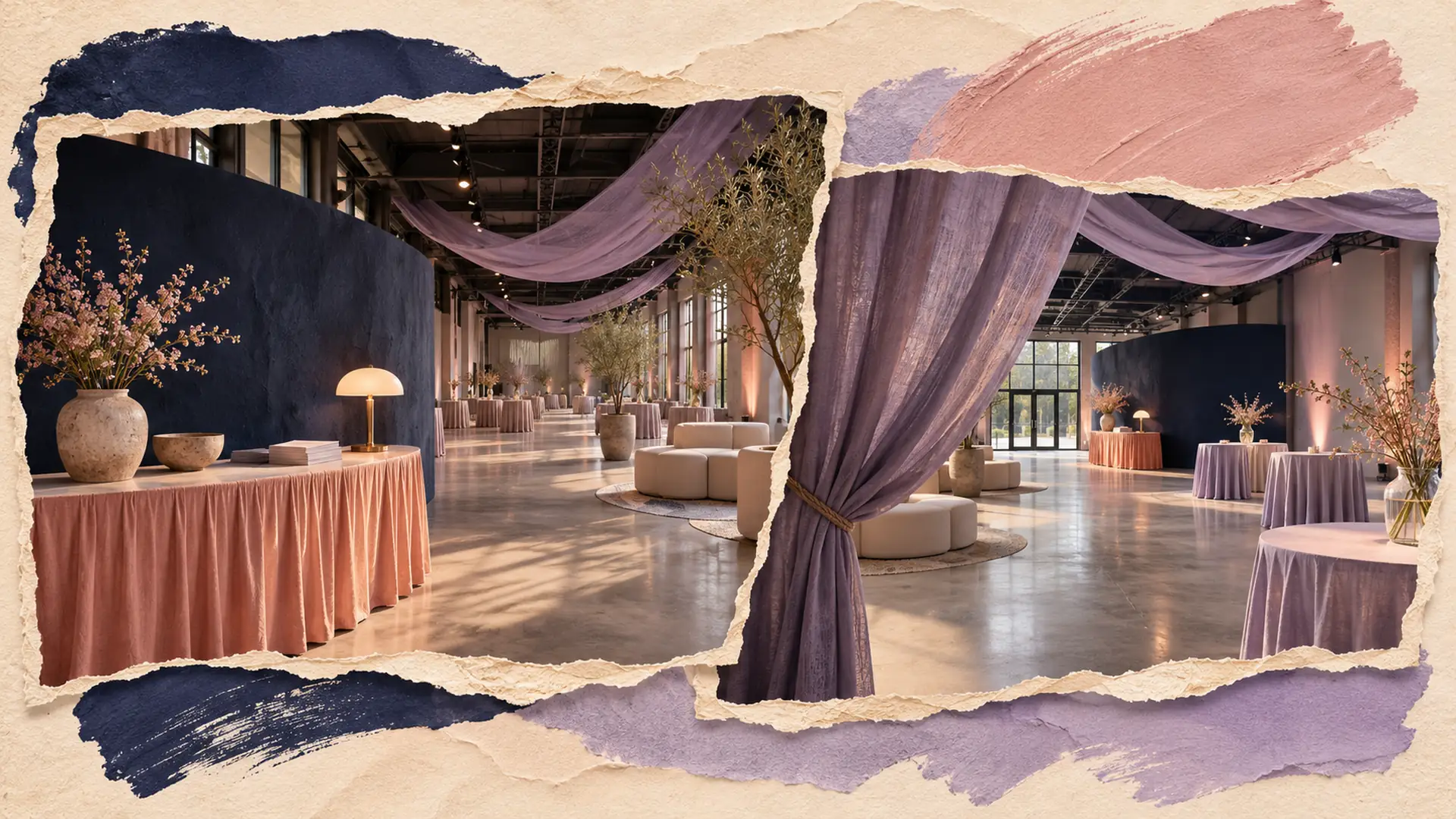
Review notes gain meaning when the producer records the starting photograph and the exact change requested for a scene, especially if two producers compare results on different days. Put the first useful still beside the revised one and identify the viewpoint in both. If the model moves an existing doorway at the same moment the director asks for warmer light, discard the comparison and rerun the lighting request. The reviewer needs to know whether the new look comes from the light or from a different opening in the wall.
Site teams can carry forward only the approved creative decision when a producer labels its source and identifies the item that still requires a physical check. The consent to use warm light belongs in the production brief; the mounting diagram belongs with the supplier’s drawings. Keep the original venue photograph available during review so the operator can catch an invented feature while the client is still looking at the proposal.
How to Budget an Interactive Rehearsal
Google’s Genie 4 pricing table lists an effective charge of approximately $0.10 per second for generated video with audio included, equivalent to roughly $6.05 per minute. For two 45-second streams, the video output comes to approximately $9.07 using Google’s published minute rate; billed inputs and text output sit outside this example. Treat the figure as an estimate for model use. Staff time and a custom interface have their own costs.
For a browser prototype, the developer documentation recommends using WebRTC and explains how a browser tab can close while the server continues generating frames. Build an explicit finish action to end the session and stop billing. Add a duration cap for a shared client review, and record the time emitted for discarded sessions as well. Budget for the streams the team generates while working out where to point the camera.
Review the Result on the Client’s Connection
Google’s developer guide lists data centers in the United States and Western Europe for the Genie 4 stream. Japan is another serving location, and Google expects responsiveness to vary farther from those regions. For clients joining from Dubai, try the intended browser and connection ahead of the meeting and observe how quickly the view updates after a turn. Keep a video excerpt available to the presenter if the interactive feed stalls. The comparison belongs in a short internal trial; the team needs a measurement from its own connection.
Preparation for a client review begins with the reference photo’s permitted uses and the business terms associated with the API account. Use a photo the venue has cleared for external processing or produce a generic reference for the concept. Share the resulting view as a proposed arrangement and keep any branded client materials inside the agreed review group. Review the Gemini API terms alongside the contract governing the source photograph when the client expects to publish a result.
What Belongs in the Final Production Brief
The producer should leave the review with a shorter list of on-site decisions, such as which stage background needs a rigging quote and where the front desk should direct first arrivals. Operendia’s film and motion work runs alongside digital engineering; the useful overlap here is a viewer that helps a director explain a proposed shot to a producer. For a repeatable venue sales application, start with the operator’s verified drawings and approved photography, then decide whether the generated preview earns a separate place beside that material.
Walk the proposed route with the operator once the team has chosen a concept worth developing, and look for the moments the generated view encouraged everyone to take for granted. When the final installation makes a photographed corner look different, use photographs from the actual walk and revise the handover drawing. Keep the decisions in the supplier brief and attach the observed conditions from the site visit where they change the design.
 Make your brand matter.